A check-in QR code carries a unique ticket URL or ID for one attendee. Staff scan it at the door, and a separate registration or check-in system records the arrival. QRGen's free editor creates the QR image; it does not store a guest list or attendance. If you need a shared code that adds the date to a guest's calendar, use the calendar event QR generator.
The Problem with Paper Guest Lists
If you have ever organized a conference, wedding, or workshop, you know the scene: a table near the entrance, a stack of printed name lists, and a line of attendees growing longer by the minute. Volunteers squint at spreadsheets, cross off names with pens, and occasionally misspell someone into nonexistence. Latecomers throw the alphabetical order off completely. By the time the event starts, the registration desk is a bottleneck that sours first impressions.
Paper-based check-in is slow, error-prone, and wasteful. It also produces no useful data after the fact. You know how many people registered, but you have no clean record of who actually showed up, when they arrived, or which sessions they attended.
QR codes can speed up the door process when they are connected to a system that validates tickets and records attendance. Start on the QRGen homepage or in the editor to make a sample ticket code before setting up the full guest list.
Check-in vs calendar invite
Search results mix two different jobs. A QR code event check-in identifies a person at the door. A calendar event QR code puts the date on their phone. QRGen splits them on purpose:
- Door check-in / check-out — this guide. One unique code per attendee, scanned on arrival (and optionally again on exit).
- Add to calendar — the event QR landing page and the calendar generator. Same event for everyone, encoded as an iCalendar VEVENT.
Use both if you want: calendar QR on the poster, check-in QR on the ticket.
How QR Code Check-In Works
When someone registers, your event system assigns an opaque ticket ID and a check-in URL tied to that record. You turn that URL into a QR code and email or print it. At the door, staff use a check-in app to scan the ticket, confirm its status, and record the time. A normal phone camera can open the URL, but scanning alone does not mark someone present.
For check-out, the system can record a second scan against the same ticket or use a separate checkout action. Decide how duplicate scans, lost tickets, and staff permissions work before guests arrive.
How to create a QR code for event check-in
Here is how to implement QR code check-in for your next event, regardless of its size:
- Set up your registration form. Collect attendee names, email addresses, and any event-specific details like meal preferences or session choices. Google Forms, Typeform, or a dedicated event platform all work.
- Give each person a private ticket URL. A pattern such as
https://yourdomain.com/checkin?t=RANDOM_TOKENcan identify a registration. Use long random tokens rather than names or sequential IDs; the QR code exposes its URL to anyone who scans it. - Generate unique QR codes. Create a sample URL code in the editor. For a guest list of up to 500, put ticket URLs in the first column of a CSV and use the bulk generator to download a ZIP. A registration platform can also call the QRGen API for each ticket URL.
- Distribute the codes. Embed the QR code image in the confirmation email. For printed tickets, place the QR code prominently — ideally at least 2 cm square for reliable scanning.
- Prepare your scanning stations. Use your event platform's check-in app, or a staff-only web app that validates the token and writes to your attendance database. Test duplicate scans and check-out separately. A phone camera only opens the encoded link.
- Test before the day. Print a few sample codes and scan them under the lighting conditions you expect at the venue. QR codes are resilient, but a quick test avoids surprises.
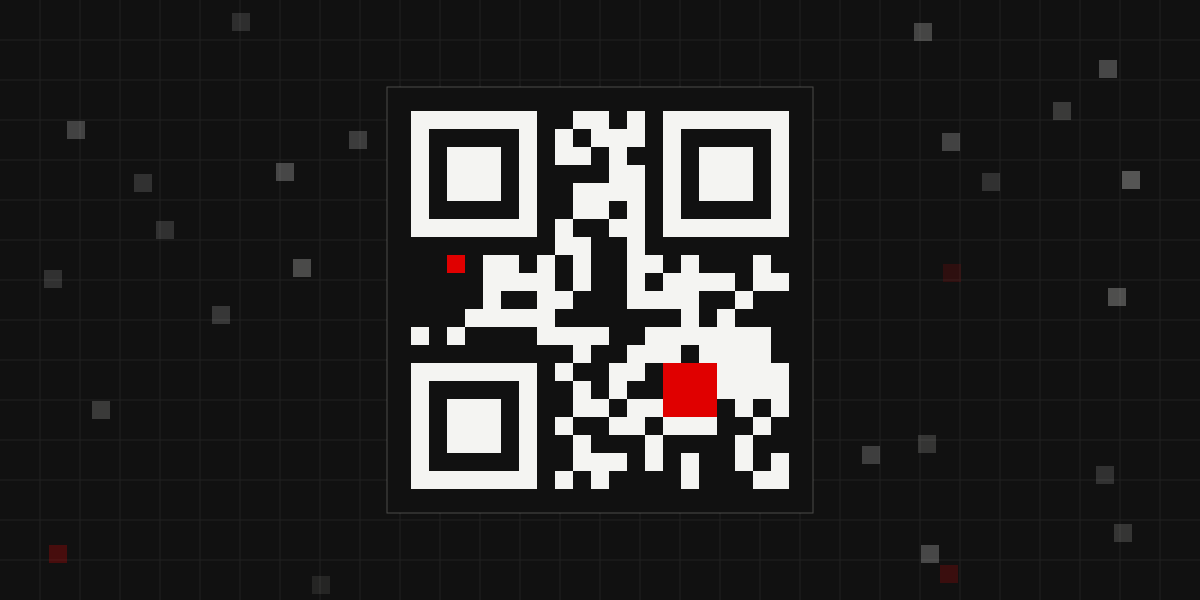
A ticket QR code helps staff find the right registration quickly; the check-in app records the visit.
Conferences and Multi-Session Events
For conferences with multiple tracks or breakout sessions, QR codes become even more valuable. Instead of a single check-in at the front door, you can place scanning points at each room. This gives you session-level attendance data — invaluable for planning future events.
You will know which talks drew the biggest crowds, which time slots had low attendance, and where you need larger rooms next year. This data is nearly impossible to collect reliably with paper sign-in sheets, especially in rooms where people drift in and out.
For multi-day conferences, the same QR code works every day. Attendees do not need a new badge or ticket — their phone holds the code persistently.
Weddings and Private Events
Wedding planners have started using QR codes for RSVPs and day-of check-in. The QR code links to a personalized page where guests can confirm attendance, indicate plus-ones, and select meal choices. On the wedding day, scanning guests in at the door helps the catering team get an accurate headcount in real time.
For seated events, the QR code scan can also display table assignments, eliminating the need for a seating chart board that creates its own bottleneck at the entrance.
Add-to-Calendar Integration
A particularly useful trick is encoding a calendar event directly into a separate QR code from the check-in code. Use our free calendar event QR code generator to turn the title, times, venue, and notes into a standard iCalendar event. The .ics format is supported by Google Calendar, Apple Calendar, and Outlook. When an attendee scans that code, a compatible calendar app can offer to add the event. You can also create a separate location QR code for the venue so attendees get turn-by-turn navigation.
This serves double duty. It gets your event onto their calendar (reducing no-shows), and the calendar entry itself becomes a place where the attendee can find their check-in QR code later. You can include the check-in link in the event description. Do not encode the VEVENT as the door code — every guest would then share the same payload, and you could not tell who arrived.
Tips for Large Events (500+ Attendees)
Scale introduces specific challenges. Here is what works:
- Multiple scanning lanes. Estimate how many people will arrive in the busiest 15 minutes, then rehearse with your actual devices and staff. Include time for bag checks, ticket issues, and accessibility needs.
- Offline capability. Venue WiFi can be unreliable, especially when hundreds of phones connect simultaneously. Pre-load the attendee database on each scanning device so check-in works even without an internet connection. Sync the data once connectivity is restored.
- Screen brightness matters. Attendees will present QR codes on their phone screens. In bright sunlight or under harsh venue lighting, low screen brightness can make codes hard to scan. Have a sign at the entrance reminding people to turn up their brightness.
- Print backup codes. Some attendees will have dead phones, cracked screens, or simply forget to pull up their code. Have a laptop at the registration desk where you can look up attendees by name and print their QR code on a sticky label.
- Badge printing on scan. For events that require name badges, connect your scanner to a thermal label printer. The moment someone scans in, their badge prints automatically. This is faster than pre-printing badges alphabetically and having people hunt for theirs.
Badge Printing Integration
Thermal label printers like the DYMO LabelWriter or Brother QL series can print a name badge in under three seconds. When paired with QR code check-in, the workflow becomes seamless: scan, print, stick on a lanyard, walk in. No searching through boxes of pre-printed badges.
The printed badge can itself contain a QR code — this time encoding the attendee's name, company, and a link to their profile. Other attendees can scan this badge to exchange contact information, turning every name tag into a networking tool.
Measuring Success
After the event, your QR code check-in system gives you data that paper never could:
- Exact arrival times for every attendee
- No-show rates broken down by registration source
- Session attendance across multiple rooms
- Peak check-in times to help plan staffing for next time
- Average time from door to checked-in status
This data turns your event operations from guesswork into a repeatable, improvable process. After your event, use a Google Review QR code to collect attendee feedback.
Check in check out QR code FAQs
How do I make a check in check out QR code?
Give each attendee a unique, unguessable check-in URL from your registration system. Turn each URL into a QR code in the bulk generator or editor and send it with the ticket. A staff scanning app must record attendance; the QR image alone does not track scans.
How do I create a QR code for event check-in?
Collect registrations, assign each person a unique check-in URL, create a QR code for each URL, and print or email the tickets. At the venue, staff scan each code with a connected check-in app that records attendance.
What is a QR code event check-in?
It is a door process: the attendee shows a personal QR code, staff scan it with a check-in app, and that app records their arrival. A calendar-invite QR code only adds the event to a calendar; make one on the event QR page.
Can one QR code handle check-in and check-out?
Yes, if your scanner app treats the first scan as check-in and the second as check-out for the same ID. Otherwise print a pair of codes per attendee, or use one code at entry and a different URL at exit.
Is a QR code for event check-in free?
Generating the codes in QRGen is free, with no signup. You still need a way to record the scan (a form, spreadsheet, or event app). The QR image itself does not charge per scan.
Getting Started
Start with a sample ticket URL from your registration system, make its code in the editor, and test the full path from scanning to a recorded check-in. Once it works, upload a CSV of ticket URLs to the bulk generator, or use the QRGen API. For paid events in India, you can also accept registration payments with a UPI QR code.
Ready to go paperless?
Create a sample ticket QR code for free, then connect it to your registration system.
Create event QR codesWrapping Up
QR code check-in is one of those rare improvements that is cheaper, faster, and better than the thing it replaces. Whether you are running a 50-person workshop or a 5,000-seat conference, the fundamentals are the same: generate a code per attendee, distribute it digitally, and scan at the door. The technology is mature, phones scan QR codes natively, and the barrier to entry is essentially zero.
Your attendees will appreciate the faster entry. Your organizers will appreciate the real-time data. And you will appreciate never having to print a 40-page guest list again.