01 / SHARE
Send people to the right link
Turn a page, booking flow, resource, or campaign URL into a QR code that is easy to scan and share.
A great answer can travel further. QRGen turns a destination, contact, WiFi network, or payment detail into a QR code your Dots workflow can share on a screen or in the real world.
When an AI workflow finds the right destination, QRGen gives it a simple way to hand that destination to someone nearby. Put a code on a slide, a sign, a receipt, or a phone screen and let the next person pick up where the conversation left off.
Turn a page, booking flow, resource, or campaign URL into a QR code that is easy to scan and share.
Hand off a vCard or WiFi connection at an event, counter, classroom, or workspace.
Place a scannable destination in a presentation, printed guide, or in-person conversation.
Enter a link and QRGen will build its image URL instantly. The same endpoint can be called from any workflow that supports HTTP requests.
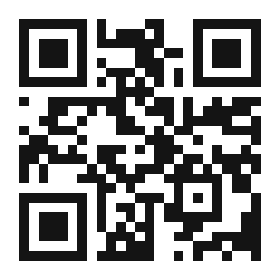
QRGen offers two public interfaces. Choose the one that matches the capabilities available in your Dots environment.
If your workflow can make HTTP requests, send URL-encoded content to /api/qr and use the returned PNG or SVG.
If your environment supports remote MCP servers, connect https://qrgenapp.com/mcp and call generate_qr.
Return the image URL in a response, embed the image, or download it for a physical touchpoint.